Project Name (if applicable, otherwise just type n/a)
TWI 2026 MRR
Question
A user complained about photo uploads taking longer than typical. While looking at the entries using the browser, I saw the placeholder thumbnails (yellow triangle with exclamation sign). However if you click on the thumbnail it reveals the actual photo taken. And I discovered if I download the photos via the API, the actual photos download.
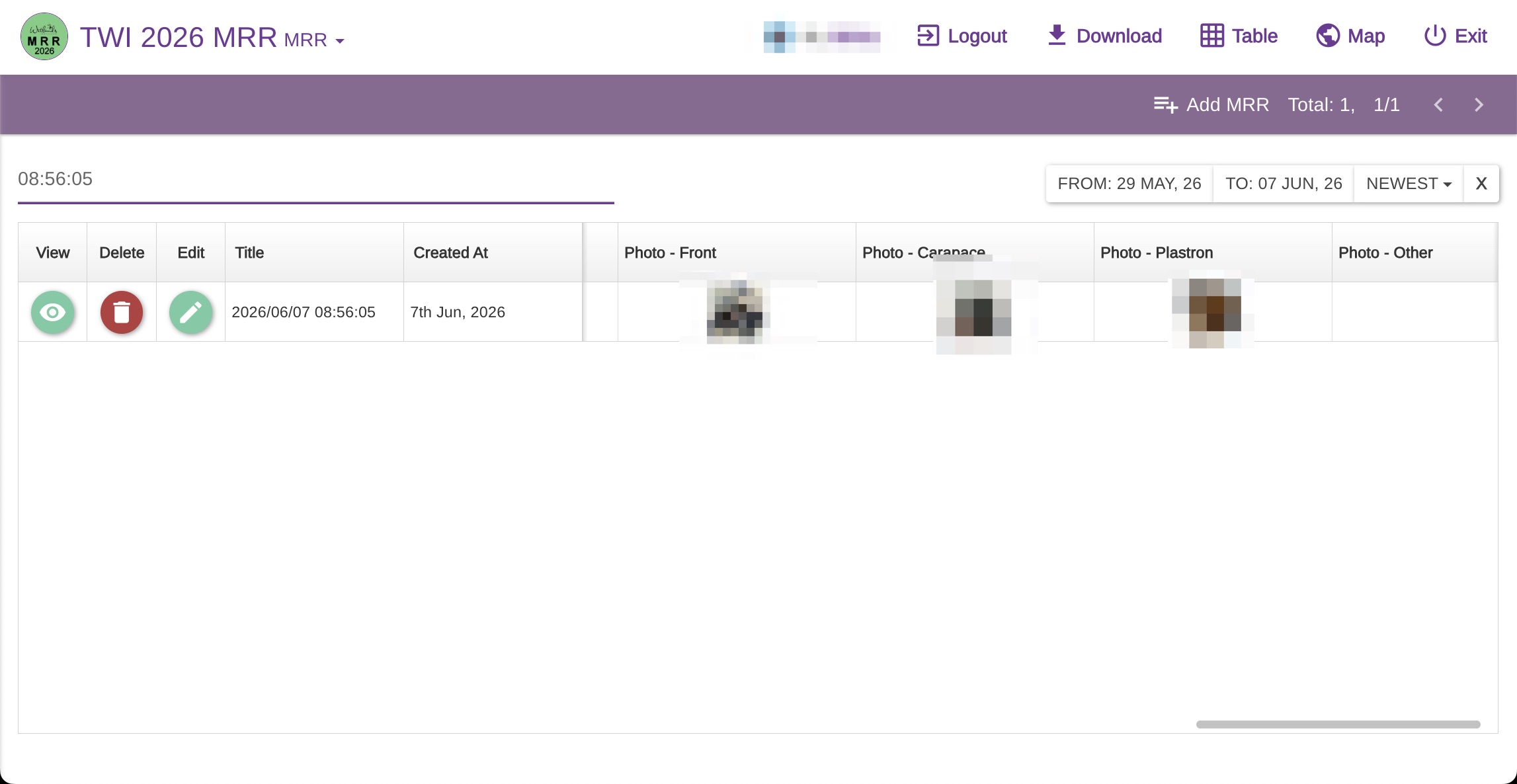
If you search for and look at entry with “08:56:05” in the title, you’ll see an example.
This is more a point of confusion than a problem for us, now that we know the real photo is behind the placeholder thumbnail, and we view the photos mostly after downloading.
I confirm I have read the User Guide at docs.epicollect.net
on
I confirm I have searched for an answer in this community.
on
I confirm I have tried asking the same question to Perplexity AI with the tag #epicollect5, but it did not help.
on
It sounds like a browser caching issue. If you clear the cache for that project page, will it show the photos correctly?
We can see the photos correctly on our side; see the screenshot (blurred since the project is private)
What is probably happening is the project is viewed before the photos are uploaded so placeholders are cached by the browser; then the photos are uploaded, but the browser has cached the placeholder and it is still showing it until the cache expires. A hard refresh should clear stale cache.
We made sure placeholders are never cached, but in some cases, caching can also occur outside the browser itself — for example, via intermediate layers such as ISP caching, VPNs, or even DNS/CDN-related resolution paths, depending on the network setup. Because of that, a client-side cache bust (hard refresh, cache clear, or forcing reload of assets) is usually the most reliable way to ensure the latest images are displayed.
I didn’t think of that – it did the trick. Thanks!